Multiplayer vs Jace
Which AI Assistant is right for you?
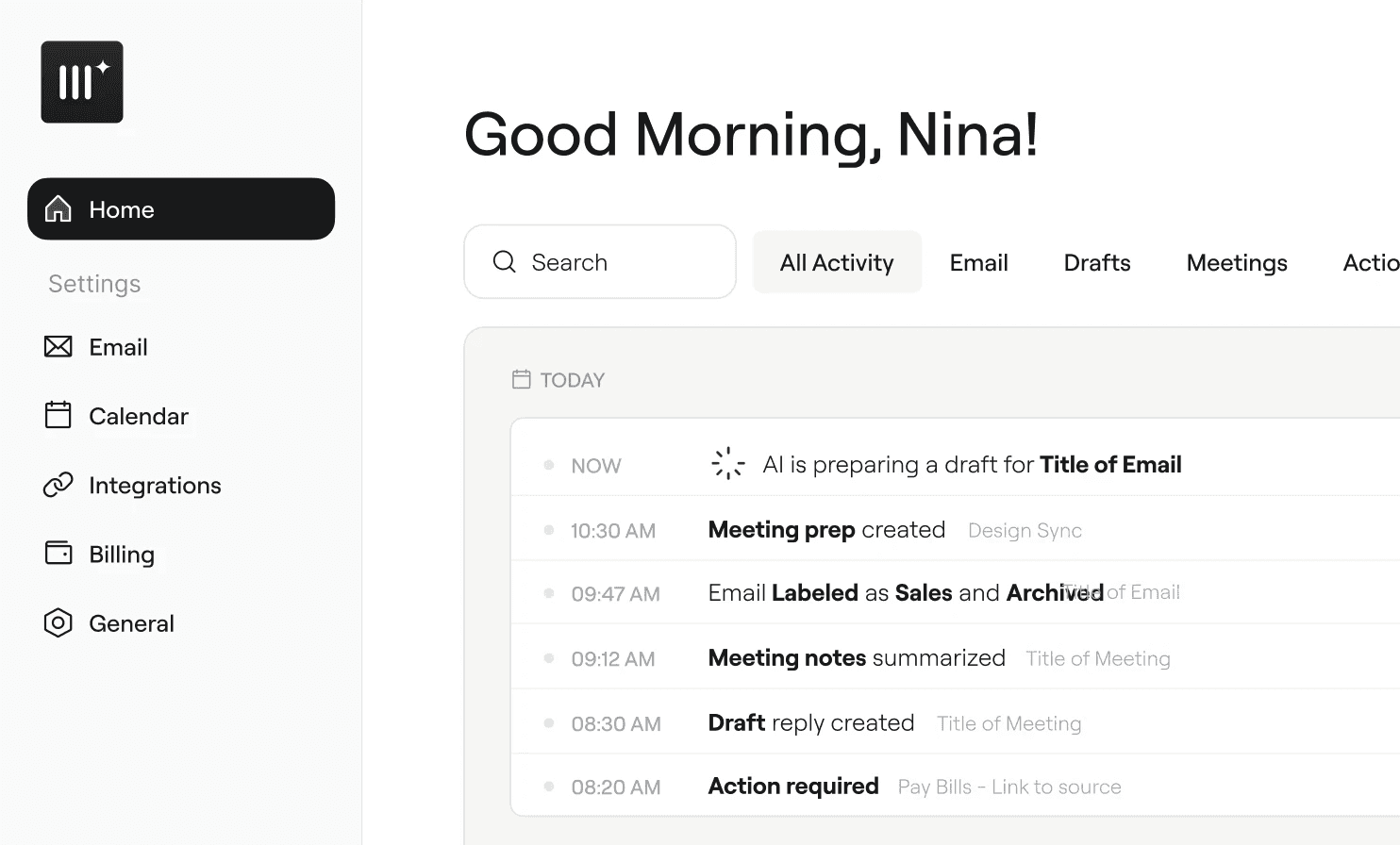
Multiplayer and Jace AI both organize your inbox and draft email replies using AI. But they’re built around different ideas. Jace focuses on email automation (auto-CC triggers, Slack notifications, and workflow automation). Multiplayer focuses on the email-and-meeting workflows (inbox management, pre-meeting research, notes, and follow-up drafts).
Here’s how they compare so you can decide which approach fits how you work.
The core difference
Jace's approach: Email delegation. Forward a thread to assistant@serif.ai and it handles the conversation autonomously. Upload documents (PDFs, pricing sheets) to train a persistent knowledge base. Serif goes deep on email but doesn’t touch meetings.
Multiplayer’s approach: Email + meetings as one workflow. Inbox triage, draft replies, pre-meeting contact research, meeting notes, and follow-up email drafts — all connected. Multiplayer covers more surface area but doesn’t have Serif’s email delegation or document training features.
Feature-by-feature comparison

Where Multiplayer Has the Edge
Meeting Workflow (Jace Has None)
Jace AI has no meeting features at all — no notetaker, no transcription, no pre-meeting prep, no follow-up drafts. If meetings are part of your work, Multiplayer covers that entire lifecycle. You get attendee research before the call, automatic notes during, and a follow-up email drafted from the transcript after.
Unlimited Email Drafts
Jace’s Plus plan limits you to 10 pre-written drafts per day. The Pro plan gives you 30. Multiplayer doesn’t cap drafts — every email that needs a reply gets one. If you handle high email volume, Jace’s limits could become a bottleneck.
Stronger Security Certification
Multiplayer holds SOC 2 Type II certification, which verifies security practices over a sustained period. Jace holds SOC 2 Type 1, which is a point-in-time assessment. Type II is a higher standard and is what most enterprise procurement teams look for.
Where Jace has the edge
Smart Rules and Workflow Automation
Jace’s Smart Rules let you set up automations triggered by email events: auto-CC someone when a contract is finalized, apply templates based on sender, create calendar events from specific emails. This is a different product paradigm — it’s workflow automation on top of email, not just inbox management. Multiplayer doesn’t have equivalent automation features.
Business Integrations
Jace integrates with Slack (send notifications when emails arrive), can create support tickets from emails, and supports custom MCPs (Model Context Protocol) for connecting to other business tools. Multiplayer doesn’t have these integrations yet.
Who is each product best for?
Multiplayer
Professionals with meeting-heavy schedules who want email AND meeting management in one tool. If pre-meeting prep, automatic notes, and follow-up drafts would save you meaningful time, Multiplayer covers that entire workflow.
Jace AI
Professionals who are primarily email-heavy and want deep email delegation. If you handle a lot of repetitive email conversations and want an AI that can autonomously manage threads, Jace’s Smart Rules feature is unique. Also a good fit if you want to train your assistant on tools like Slack.