Multiplayer vs Fyxer

Which AI Assistant is right for you?

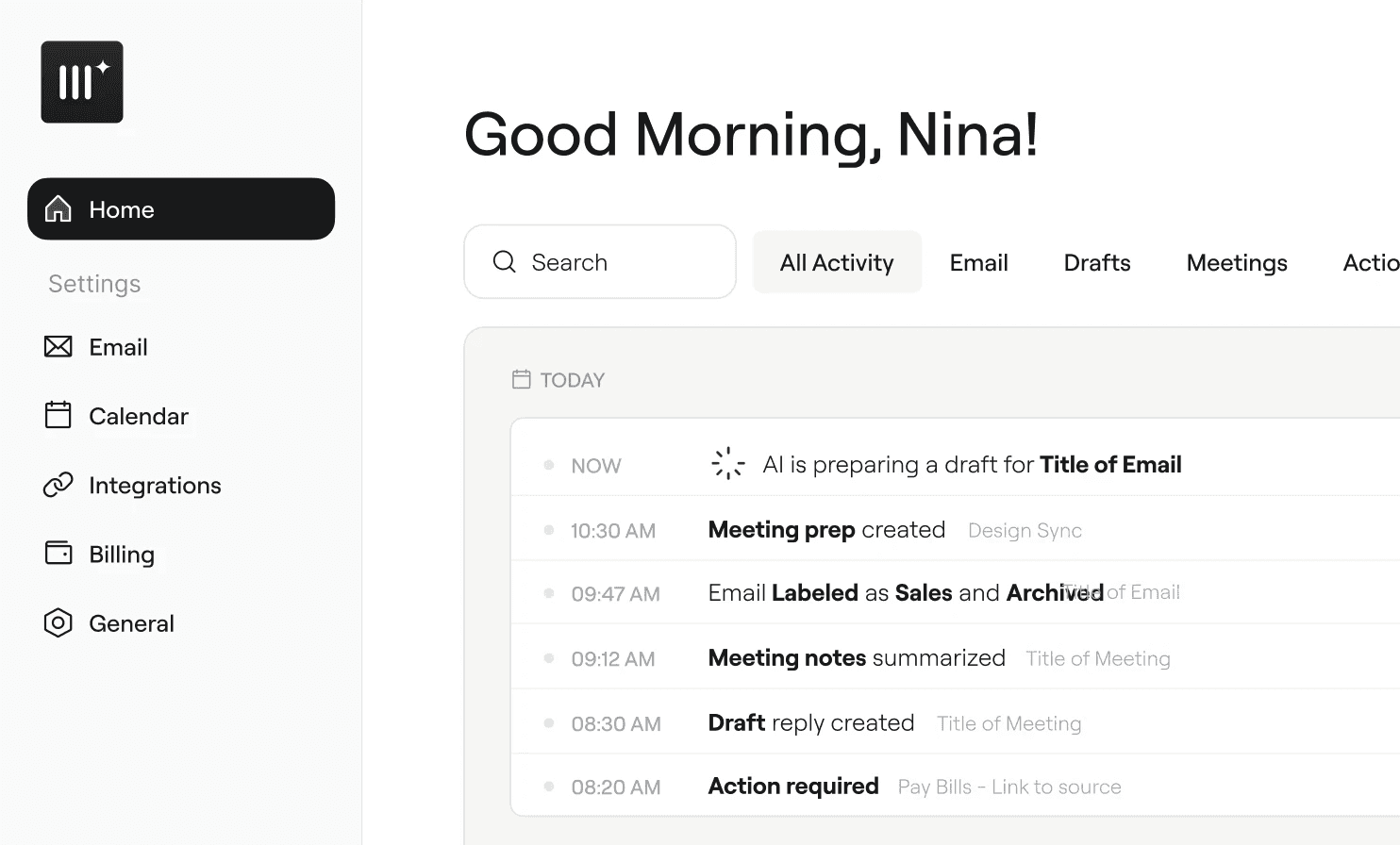
Both Multiplayer and Fyxer are AI-powered email assistants that organize your inbox, draft replies in your voice, and help you manage meetings. They solve the same core problem: email overload is eating your day, and you need an AI assistant that actually understands how you communicate.

This page breaks down the real differences so you can choose the tool that fits your workflow. We’ll be upfront about where Fyxer has advantages too — this is a fair comparison, not a sales pitch.

The short version

Choose Multiplayer if: you want meeting prep with contact research before every call, a longer free trial to properly evaluate, and an assistant that handles your full meeting workflow (prep → notes → follow-up drafts).

Choose Fyxer if: You need HubSpot integration, want multiple pricing tiers to choose from, or are looking for a larger established user base with extensive customer reviews.

Feature-by-feature comparison

Fyxer

Fyxer

multiplayer

multiplayer

Pre-meeting contact research

✗ Not available

✓ Attendee bios, company info, past threads surfaced before every call

Pre-meeting contact research

✗ Not available

✓ Attendee bios, company info, past threads surfaced before every call

Free trial

7 days

14 days

Free trial

7 days

14 days

Inbox triage & labels

✓ Auto-labels and prioritizes emails

✓ Auto-labels, prioritizes, and archives noise

Inbox triage & labels

✓ Auto-labels and prioritizes emails

✓ Auto-labels, prioritizes, and archives noise

Draft replies in your voice

✓ Learns your writing style over time

✓ Learns your voice, adapts to recipients

Draft replies in your voice

✓ Learns your writing style over time

✓ Learns your voice, adapts to recipients

Meeting notes

✓ Bot joins calls, takes notes

✓ Bot joins calls, takes notes + transcripts

Meeting notes

✓ Bot joins calls, takes notes

✓ Bot joins calls, takes notes + transcripts

Email platform support

✓ Gmail + Outlook

✓ Gmail + Outlook

Email platform support

✓ Gmail + Outlook

✓ Gmail + Outlook

Follow-up email drafts

✓ Drafts follow-ups from meeting notes

✓ Auto-drafts from meeting transcript, ready to review and send

Follow-up email drafts

✓ Drafts follow-ups from meeting notes

✓ Auto-drafts from meeting transcript, ready to review and send

Meeting platform support

✓ Zoom, Teams, Google Meet

✓ Zoom, Teams, Google Meet

Meeting platform support

✓ Zoom, Teams, Google Meet

✓ Zoom, Teams, Google Meet

Email platform support

✓ Gmail + Outlook

✓ Gmail + Outlook

Email platform support

✓ Gmail + Outlook

✓ Gmail + Outlook

Securely encrypted

SOC 2 Type II

Where Multiplayer Has the Edge

Pre-Meeting Contact Research

This is the biggest functional difference between the two products. Before every meeting on your calendar, Multiplayer researches who you’re meeting with and surfaces their background, company context, and your shared email history. You walk into calls informed instead of scrambling.

Fyxer’s meeting feature focuses on note-taking and follow-ups during and after calls. It doesn’t prepare you beforehand. If your role involves frequent client calls, investor meetings, or prospect conversations, pre-meeting prep saves you 5–10 minutes of manual research per call.

Longer Free Trial, No Credit Card

Multiplayer offers a 14-day free trial with no credit card required. Fyxer offers a 7-day trial that requires a credit card upfront. For a tool that needs time to learn your writing style and prove its value, the extra week matters. And removing the credit card barrier means you can evaluate without worrying about accidental charges.

Full Meeting Lifecycle

Multiplayer handles the complete meeting workflow: pre-meeting research, in-meeting notes and transcription, and post-meeting follow-up drafts generated from the transcript. This end-to-end approach means your meetings produce actionable output automatically, not just a notes document you need to process later.

Where Fyxer Has the Edge

HubSpot Integration and CRM Workflows

Fyxer’s Professional plan integrates directly with HubSpot, which matters if your CRM is central to your workflow. Multiplayer doesn’t offer CRM integration yet. If you need your email assistant to sync with your sales pipeline, Fyxer has a clear advantage here.

Tiered Pricing for Different Needs

Fyxer offers three tiers: Starter ($30/mo), Professional ($50/mo), and Enterprise (custom pricing for 50+ seats). The Professional tier adds multi-inbox support, team scheduling, and the HubSpot integration. Multiplayer currently has a single plan at $30/mo. If you need to manage multiple inboxes or want team-wide features, Fyxer’s tiered structure gives you more options.

Larger User Base and More Reviews

Fyxer has over 100,000 users and 550+ reviews on Trustpilot. That scale means more edge cases have been found and fixed, more writing styles have been learned, and there’s a larger community of users sharing feedback. Multiplayer is earlier-stage with a smaller user base. If track record and social proof are important to your decision, Fyxer has more of it.

Additional Security Certifications

Both products are SOC 2 certified and both guarantee your data is never used for AI training. Fyxer also holds HIPAA, ISO 42001, GDPR, and ADA CASA certifications. If you work in healthcare or a highly regulated industry, Fyxer’s broader compliance portfolio may be relevant.

Who is each product best for?

Multiplayer is best for professionals who:

Have a meeting-heavy schedule and want pre-call prep handled automatically. Need an end-to-end meeting workflow (prep → notes → follow-up). Want a longer, no-commitment trial to properly evaluate. Work across Zoom, Teams, and Google Meet. Value having draft follow-up emails generated from actual meeting transcripts.

Fyxer is best for professionals who:

Need HubSpot integration for their sales or CRM workflow. Want to manage multiple email inboxes from one tool. Are looking for an established product with a large user base and extensive reviews. Need HIPAA compliance for healthcare-related communication. Want tiered pricing with an enterprise option for team rollout.

E2E encripted

SOC 2 Type II

See multiplayer in action

See multiplayer in action

See multiplayer in action

No prompts, no setup. Just a cleaner inbox, smarter meetings, and more time to focus.

No prompts, no setup. Just a cleaner inbox, smarter meetings, and more time to focus.

  • It does a great job of quickly tagging emails the moment they arrive.

    Carson

    Los Angeles

    Now all my emails are sorted and I don't have to scroll through the lists

    Rodriguez

    Florida

    Multiplayer has helped my emails so much I wished this was invented sooner.

    Erik

    Tampa

    Loving it so far ... it is fantastic and you should be proud of what you made

    Triston

    Dallas

    I really like how it labels everything as advertised

    Carson

    Los Angeles

    Really impressed with the results in just few days. Great job indeed and will suggest adoption to friends and family.

    Giovanni

    Brazil

    I love it. You´re constantly suprising me with new features.

    Mika

    Germany

Try Multiplayer, free 14-day trial

Try Multiplayer, free 14-day trial

Start your day with a tidy inbox, drafts that sound like you, and meeting notes captured automatically.

Start your day with a tidy inbox, drafts that sound like you, and meeting notes captured automatically.

app image